Report Overview
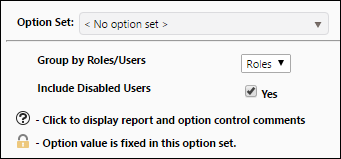
Use the roles and users report to generate a list of all of your users, along with their roles. Using the report options you can choose to:
- Create tables corresponding with each role configured in your Reserves instance. Each table will list all of the users that are associated with its role.
- Create tables corresponding with each user that has been added to your Reserves instance. Each table will list all of the roles that have been attributed to the user.
Example Report (Grouped by Roles)
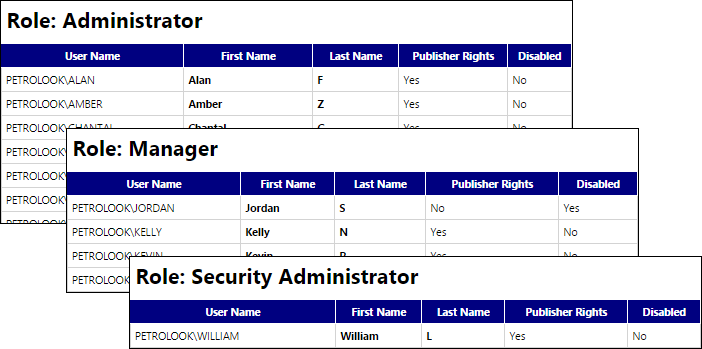
Click image to expand or minimize.
Example Report (Grouped by Users)
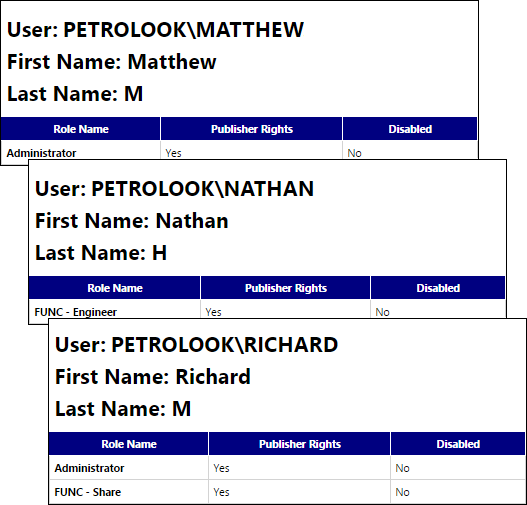
Click image to expand or minimize.
Report Options